Assistive listening for lecture halls: Auracast at universities
Accessible teaching without a loop in the floor. The Auracast™ transmitter connects to the existing lecture hall system and sends the lecturer's voice straight to hearing aids, earbuds or loan receivers. Tested at MCI in Innsbruck.
Made for university operation
Many lecture halls, one system
The same configuration in every hall. IT monitors all transmitters via SNMP and manages them via the REST API.
Fits your media technology
Signal via XLR or via Dante/AES67 from the DSP. Switched from the control system via TCP/ASCII.
Invisible installation
One network cable is enough: PoE carries power, audio and control. Mounted on ceiling or wall.
For every student
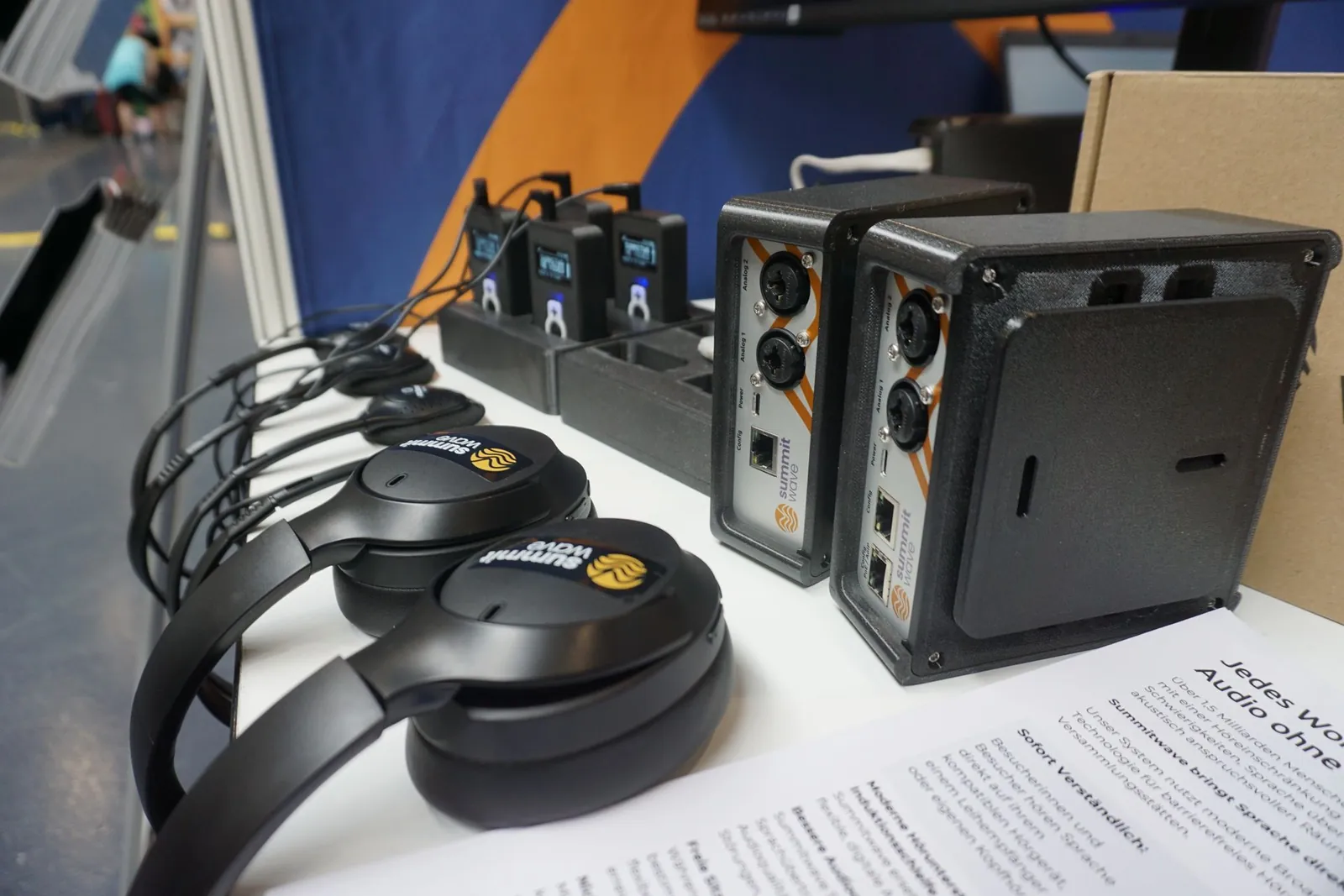
Directly with Auracast hearing aids or earbuds, everyone else with the RX loan receiver, also with a neckloop for the telecoil.
What lecturers have to do: nothing
The transmitter takes the signal that already runs through the PA: headset, lectern microphone, laptop audio. It starts with the lecture hall system and runs without operation.
Students with Auracast hearing aids select the stream “Lecture hall 2” like a Wi-Fi network. Anyone who needs a loan receiver gets one ready to use, for example from the accessibility service office.
For international programmes the same transmitter can also send an interpretation. Learn more under multichannel Auracast.
Proven at Austrian universities
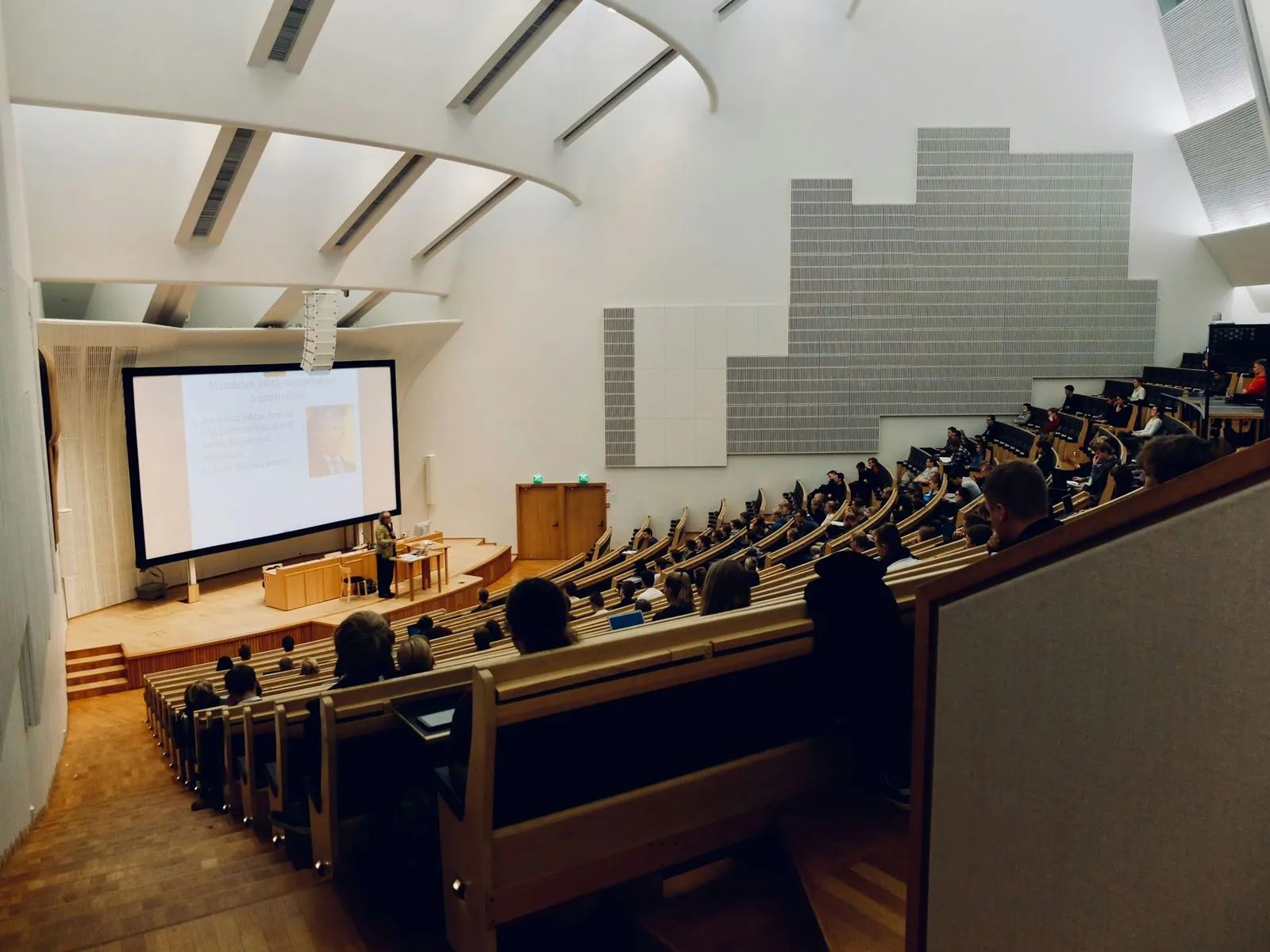
Pilot and fixed installation
MCI | The Entrepreneurial School®, Innsbruck
Trial with the mobile version in the auditorium. MCI then ordered a fixed installation with loan receivers and neckloops.
Fixed installation
University of Innsbruck
Fixed installation of the Auracast assistive listening system in a lecture hall and a seminar room.
What IT wants to know
Radio. Auracast transmits only in the 2.4 GHz band. 5 and 6 GHz are not affected. In the 2.4 GHz band Auracast and Wi-Fi share the spectrum. This works when it is coordinated with Wi-Fi planning. Why, and what helps in practice, is explained in Auracast and Wi-Fi share a radio band.
Network. Port 1 for configuration, port 2 for PoE, Dante/AES67 and configuration. IP via DHCP or static.
Operation. Web interface via HTTP/HTTPS, REST API for your own tools, SNMP for monitoring.
Lecture hall assistive listening FAQ
These questions came from media technology, IT and planners at universities.
Not at 5 or 6 GHz; Auracast transmits only in the 2.4 GHz band. There both share the spectrum. With coordinated Wi-Fi channel planning both run side by side. This can be measured on site under real load with the RX in Quality Control mode.
Yes. Everyone without Auracast uses the RX loan receiver with headphones or a neckloop for the telecoil. With every new Auracast hearing aid, the loan receiver is needed less often.
Yes. With PoE it needs only one network cable. It can be mounted on the ceiling or wall, including in a suspended ceiling.
Typically 40 ms.
No. Auracast replaces the induction loop (also called a hearing loop or audio induction loop), with no cable in the floor and no building work. Students with a telecoil listen via the loan receiver with a neckloop. An existing loop can continue to be used in parallel.
With a demo case: transmitter and loan receivers for one lecture hall, in real teaching. We support you with the tender specification.
Test Auracast in your own lecture hall
We send you the demo case with a Summitwave TX and a set of loan receivers. You test during regular lectures. Free of charge.